SMALL-BUSINESS AUTOMATION / THE BUYER’S GUIDE
AI automation for
small business, compared.
Stop losing time between an enquiry and the next action. Compare Portacode, Zapier, Make and n8n for practical small-business automation.
Small-business automation tools at a glance
4 options. Different starting points.| The option | Consider it for | The deciding question | Read the review |
|---|---|---|---|
 PortacodeCustom enquiry-to-action systems | A custom enquiry-to-action system | Does the process need its own app and review screen as well as automation? | |
 ZapierManaged app connections | Connecting tools already used by the business | Are the exact triggers and actions available for the apps you use? | |
 MakeVisual branching workflows | Routing requests through visual branches | Does the workflow need visible branches, routes and filters? | |
 n8nVisual logic, code and hosting choices | Configurable workflow logic and deployment | Who will own custom logic, credentials and the runtime? |
THE QUICK ANSWER
Which small-business automation tool fits the job?
Start with one repeated task that has a clear input and outcome. Use rules for predictable steps, and AI to help summarize, classify or prepare work for review.
- If you already have the right apps and need to connect their triggers and actions, explore Zapier.
- If you need visual routing and branches between existing apps, explore Make.
- If you need configurable workflow logic and have someone to own the code and deployment choices, explore n8n.
- If your small business needs a custom enquiry-to-action app linked with its website, email and agent-assisted follow-up, explore Portacode.
Three practical automation examples
- Lead follow-up preparation Capture an enquiry, assign an owner and prepare a response using approved facts. Record the next action so the lead is not forgotten.
- Client onboarding and handoffs Create a structured packet from the agreed scope and customer details. Flag missing information and ask the receiving person to confirm acceptance.
- Request triage and status updates Classify incoming requests, route exceptions and prepare a status summary. Keep a person responsible for unusual cases and customer commitments.
A CLOSER LOOK
Choose around the task your business repeats
Portacode
Create the place where the work gets done.
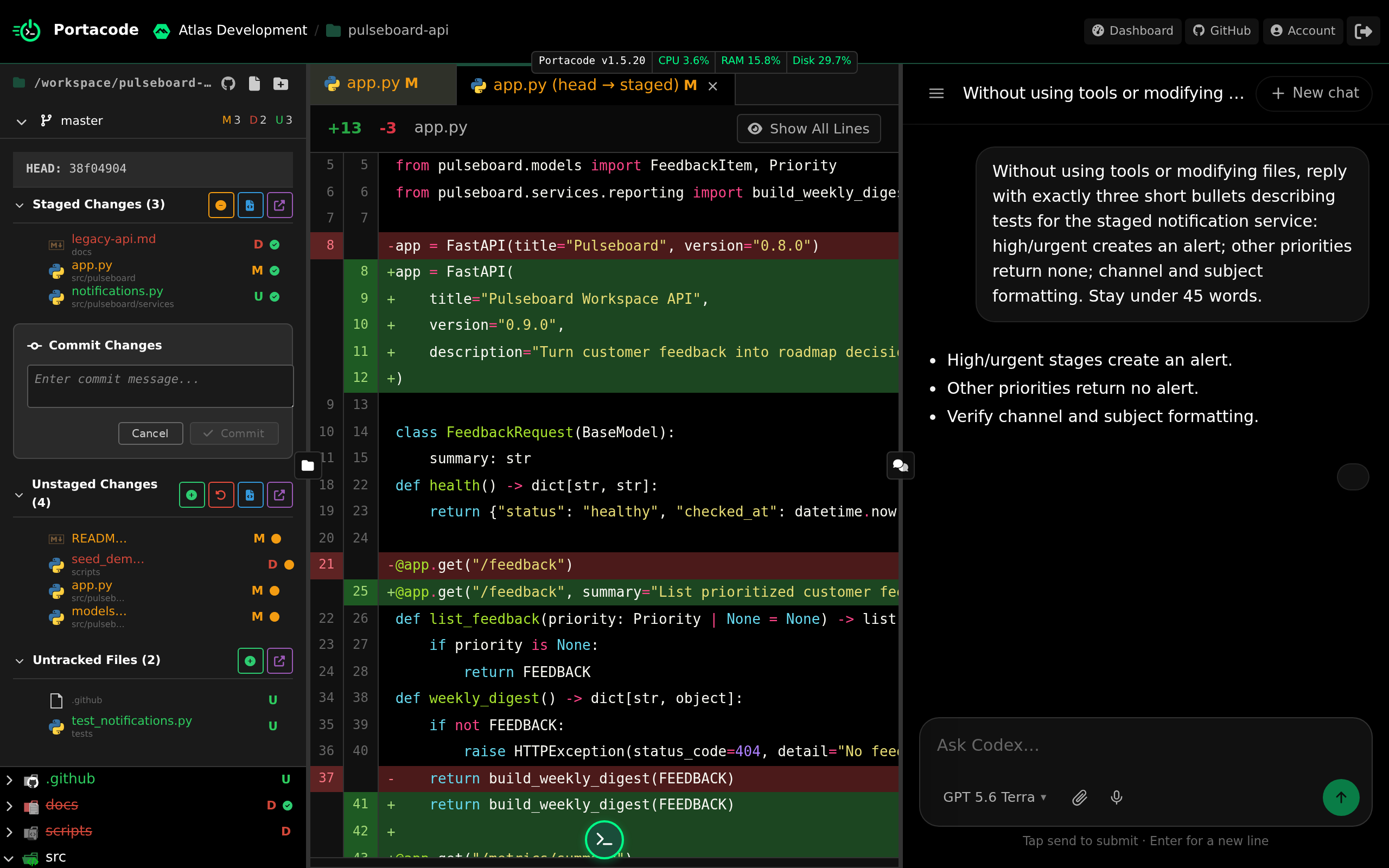
Portacode can help you build a custom workflow app alongside AI agents, website hosting and business email. A persistent agent computer provides an environment for the ongoing work.
A small team could connect a website enquiry to its own customer record and review screen, with an agent preparing the next response. This is useful when connecting existing tools would still leave the central process without a home.
- Why choose it
- Your small business needs a custom enquiry-to-action app linked with its website, email and agent-assisted follow-up.
- What to check
- Build the record, review screen and agent steps as a complete process.
Zapier
Connect the apps your business already relies on.

Zapier connects application triggers and actions and includes workflows, agents, forms and tables. For a small business, it is a route to connect records and next steps in existing tools.
For example, check whether a new enquiry can create the required task or record. Verify the exact fields, trigger timing and duplicate handling for your apps.
- Why choose it
- The missing step is a trigger or action between tools you already use.
- What to check
- Verify the required fields and trigger timing.
Make
Route different requests to the right next step.
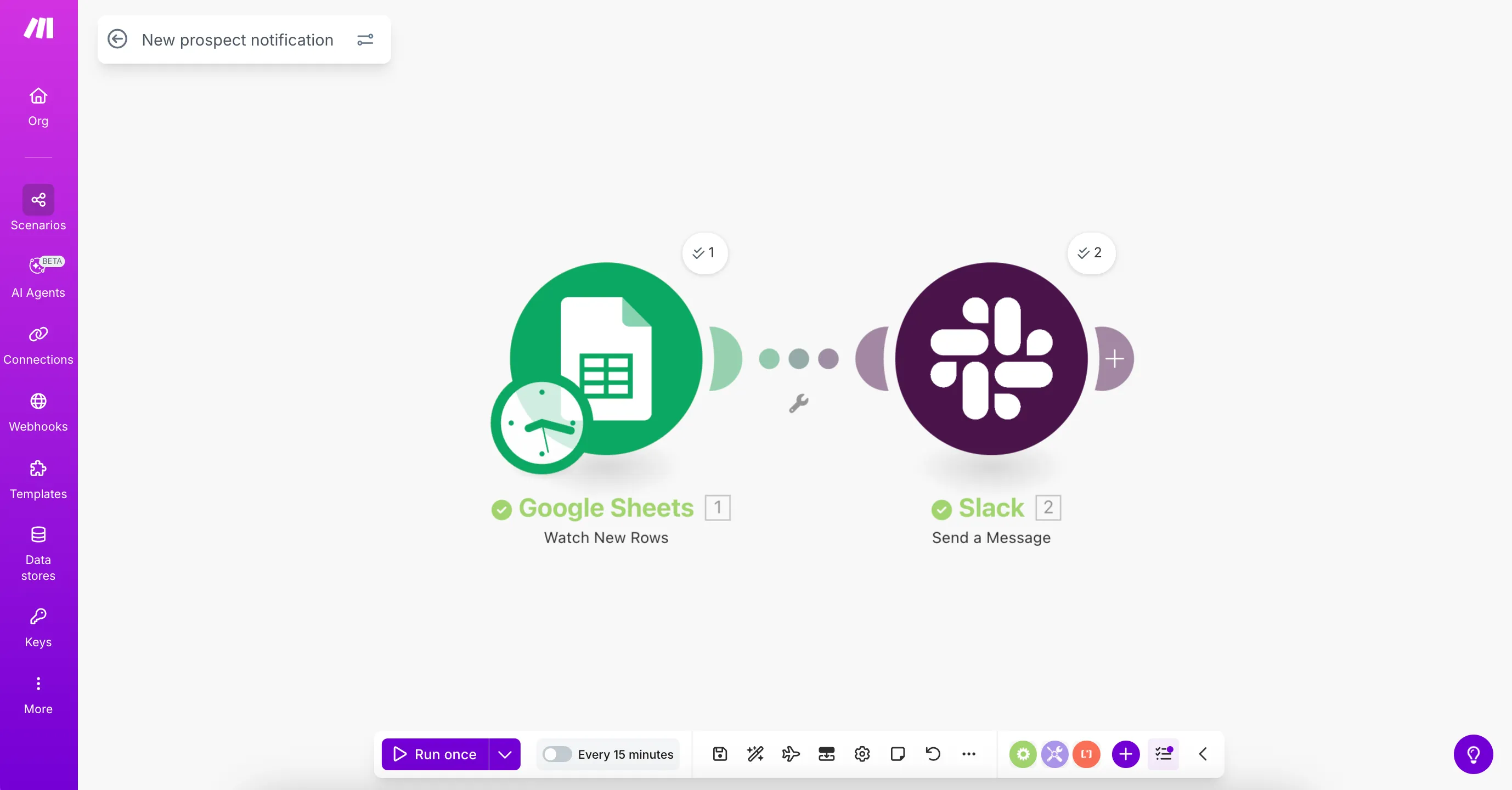
Make provides visual scenarios with routes and filters between connected apps. It fits a small-business process that takes different paths depending on the request or its data.
Sketch the routes for complete, incomplete and unusual requests. Keep the exception owner visible so a branching workflow does not create hidden unfinished work.
- Why choose it
- You need to inspect routes, filters and branches in an app-to-app workflow.
- What to check
- Keep exception branches understandable to the operator.
n8n
Configure a workflow someone on the team can maintain.
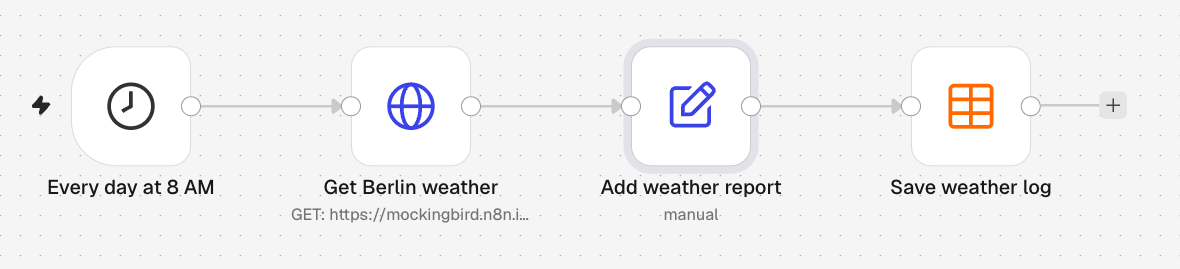
n8n offers visual steps, code and AI capabilities with cloud and self-hosted deployment choices. It is a route when someone can own the workflow’s logic and operating setup.
Document the inputs, credentials and failure behavior. Include the time to maintain the runtime and recover interrupted tasks when comparing the cost.
- Why choose it
- You have someone to own custom logic, credentials and the workflow’s runtime.
- What to check
- Assign someone to maintain credentials, workflow changes and the runtime.
BEFORE YOU CHOOSE
What should your small business automate first?
Pick a frequent, observable task: handling a new enquiry, preparing follow-up or handing a client from sales to delivery. Count the time and corrections today, then test a small complete workflow.
- A task worth repeating Choose a frequent task with clear inputs and a visible finish. Note today’s handling time and common corrections.
- A clear owner and exception path Keep original information, record the next action and decide who handles duplicates, missing details and uncertain AI results.
- Net benefit after operating costs Include setup, subscription, model usage, review and maintenance. Measure useful completed work against the current process.
Compare setup time, subscription and model costs with the time saved after review and maintenance. Test duplicates and incomplete requests so the operator always knows what happens next.
Plan your small-business AI automationSmall-business AI automation: common questions
What is AI automation for small business?
It uses software and bounded AI steps to reduce repeated work, such as preparing customer follow-up, classifying requests or assembling a client handoff. Define the input, owner and outcome so exceptions remain visible.
Which AI automation tool is best for a small business?
Use Zapier when supported triggers and actions connect the tools you already use, Make for visual branching, and n8n when someone can own configurable logic and deployment. Explore Portacode when the workflow also needs custom business apps, website/email hosting and persistent agent work together.
What should a small business automate first?
Choose a frequent task with clear inputs, a responsible owner and a visible outcome. Lead follow-up preparation and client handoffs are examples to evaluate. Start with a small scope and measure review time as well as completed work.
Can I automate customer follow-up without replacing my CRM?
Potentially, if your current tools expose the necessary data and actions. Verify triggers, fields, permissions and duplicate handling. If the process lacks a usable record or review screen, evaluate a custom application as part of the workflow.
Will these examples run automatically on Portacode?
They are workflow patterns to build, configure and test. They are not claimed to be installed modules or ready-made integrations. Delivery and other external actions depend on the permissions and approval rules you configure.
How do I know whether AI automation saves money?
Compare the original handling time and missed work against setup, subscription, model, review and maintenance costs. Track completed outcomes and corrections. More automated activity alone does not establish a saving.
KEEP READING
AI lead follow-up automation for small business Small-business client handoff automation: a checklist